Last updated October 23, 2026
myDial: An AI-Coached Sales Dialer That Keeps Leads From Slipping
- Sales dialer
- AI sales coach
- CRM
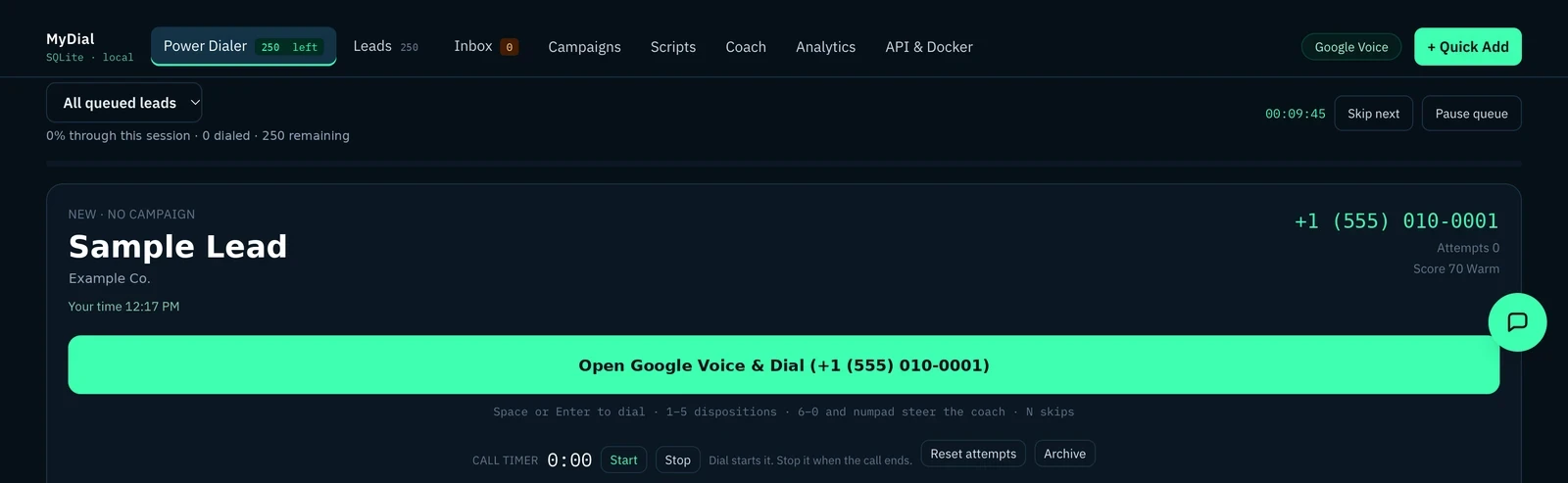 Open full-size myDial screenshot
Outbound calling breaks down when the bookkeeping sits in a spreadsheet and someone's memory, and when prep and feedback wait on someone having time. myDial is the fix I'm building: a call queue, a lightweight CRM, email follow-up and an AI sales coach in one web app.
It's an early build. The dialer, CRM, email and coach are all in the code today, and I'm still refining them. For the longer write-up, read the myDial blog post.
What problem does myDial solve?#
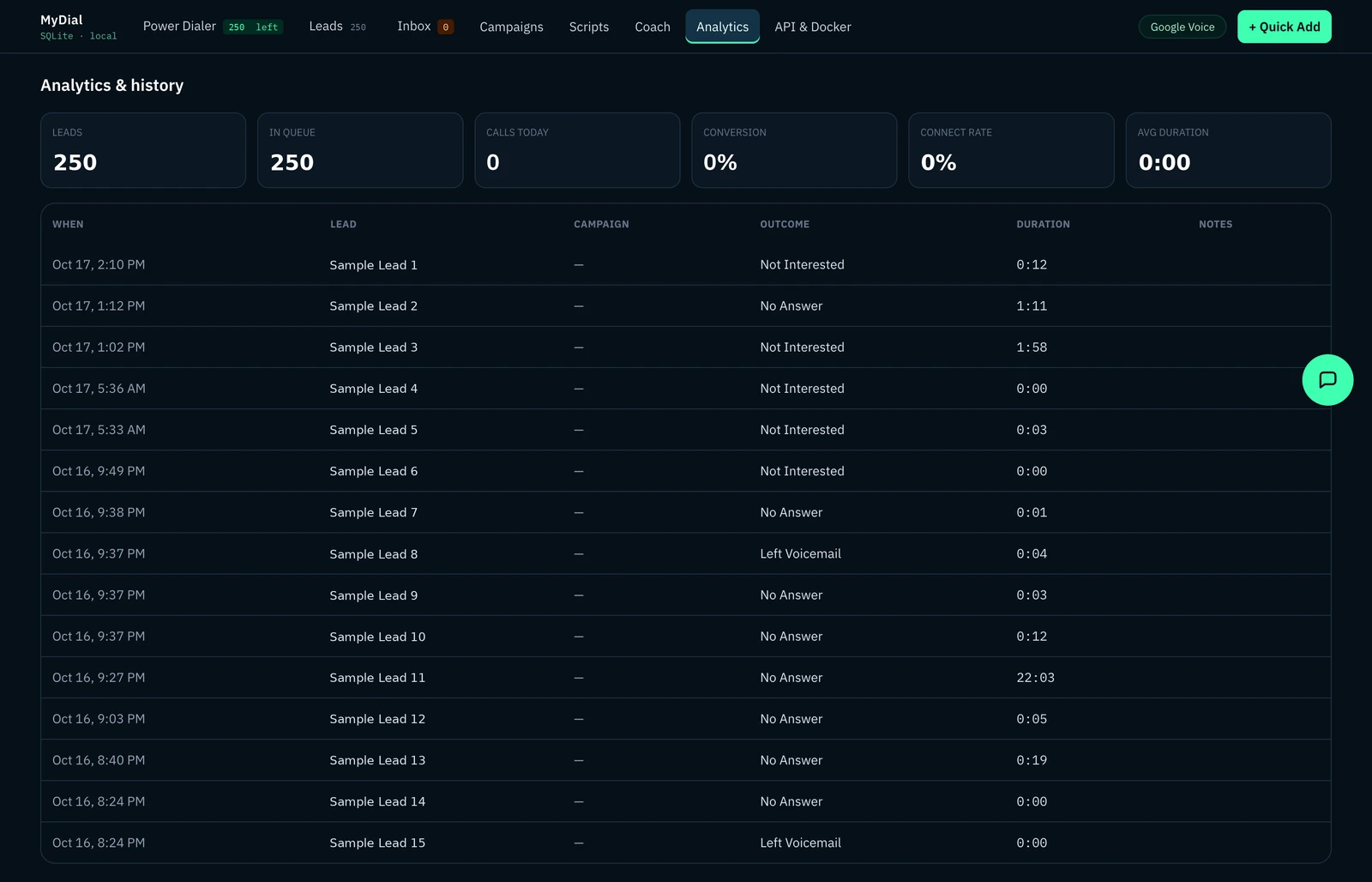
Outbound calling is mostly bookkeeping. Who's next. Who didn't pick up. Who said never call again. When that is tracked by hand, things slip.
The other half is getting better at the calls. Prep and feedback usually depend on someone having time to sit down with you. myDial builds both into the tool.
How does myDial keep leads from slipping?#
Leads come in by CSV import or one at a time and sit in a queue. Hit dial and myDial opens Google Voice with the number ready. If the new tab gets blocked, it can copy the number to your clipboard.
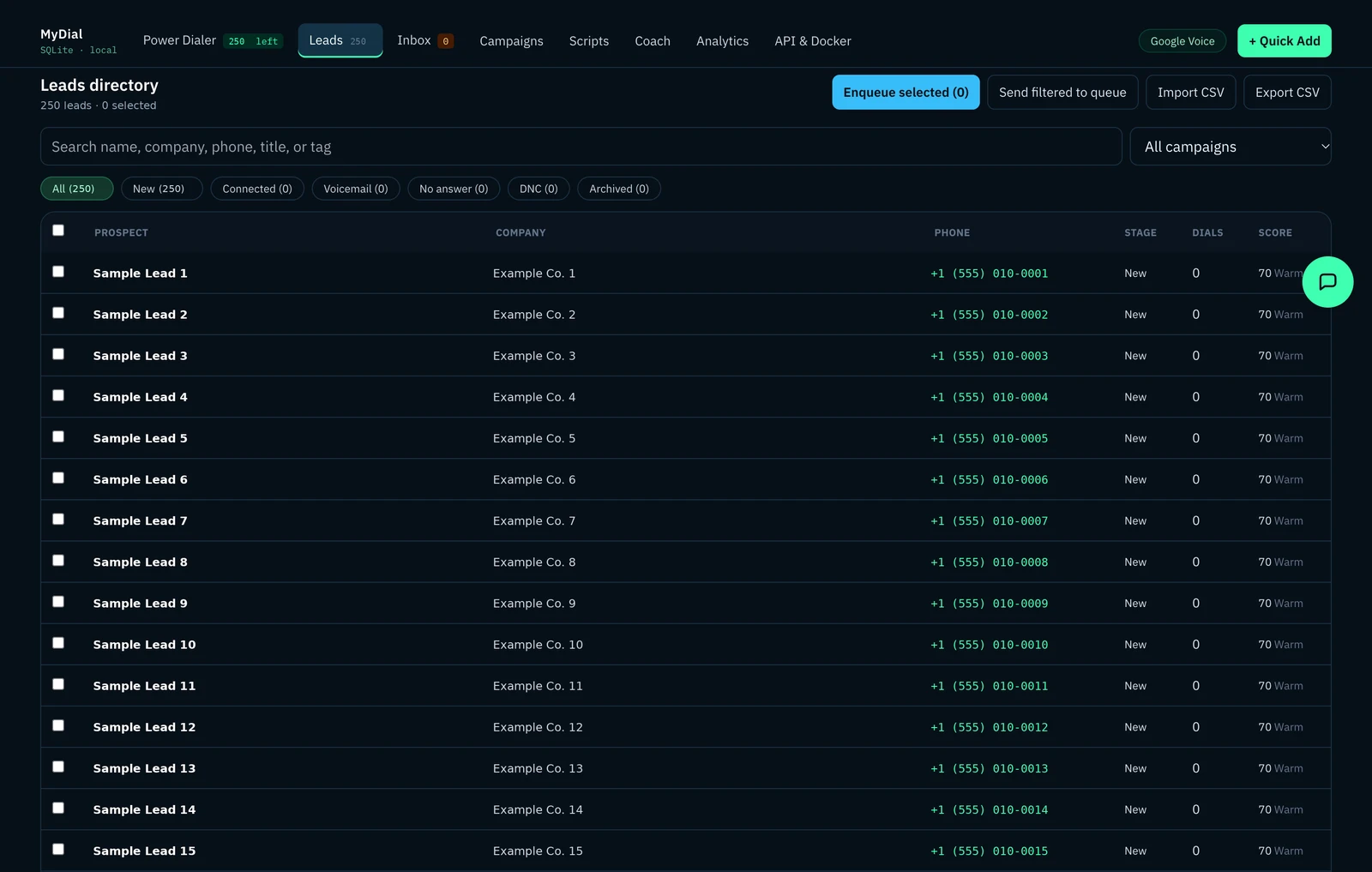
When the call ends, you pick an outcome with a single key: interested, not interested, voicemail, no answer or busy, or do not call. The outcome decides what happens next:
- No answer and voicemail stay in the queue and come back later.
- Not interested leaves the queue.
- Do not call leaves the queue and can't be put back.
How are retries and follow-ups handled?#
Retries run on campaigns instead of memory. A campaign has a calling window, an option to skip weekends, a cap on attempts and a wait time between retries. If a lead isn't due yet, the queue says why.
A visual flow builder handles the rest. You drag together steps like dial, email and wait, and branch on the call outcome. A voicemail can lead to an email, and no answer to a wait and another dial. Each campaign can also have a call script with saved answers to common objections.
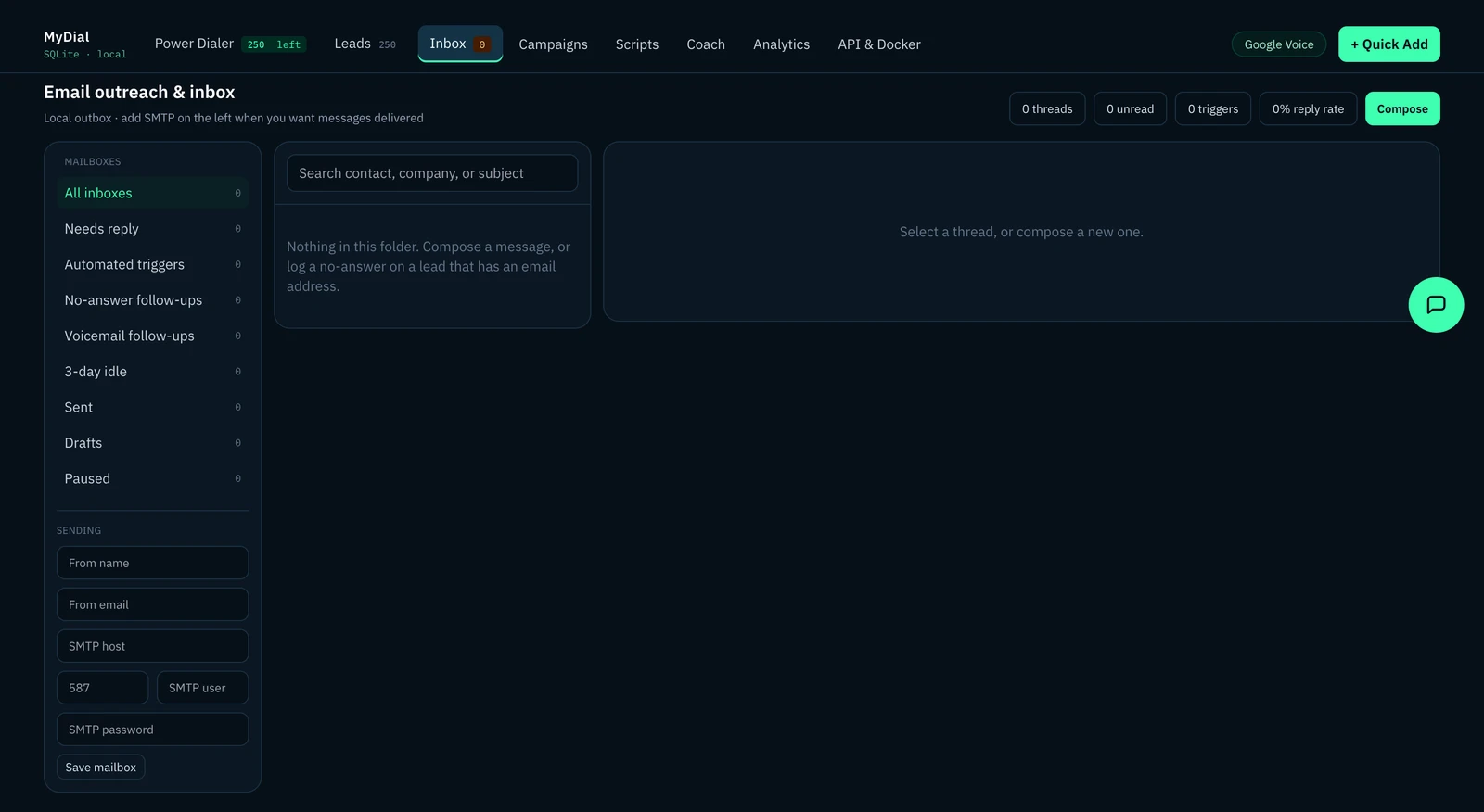
After a voicemail, myDial can draft a follow-up email for that lead. It sends through your own mail server, and replies land in a built-in inbox, threaded by lead. Once a lead is marked not interested or do not call, their automatic follow-ups pause.
How does the AI sales coach help?#
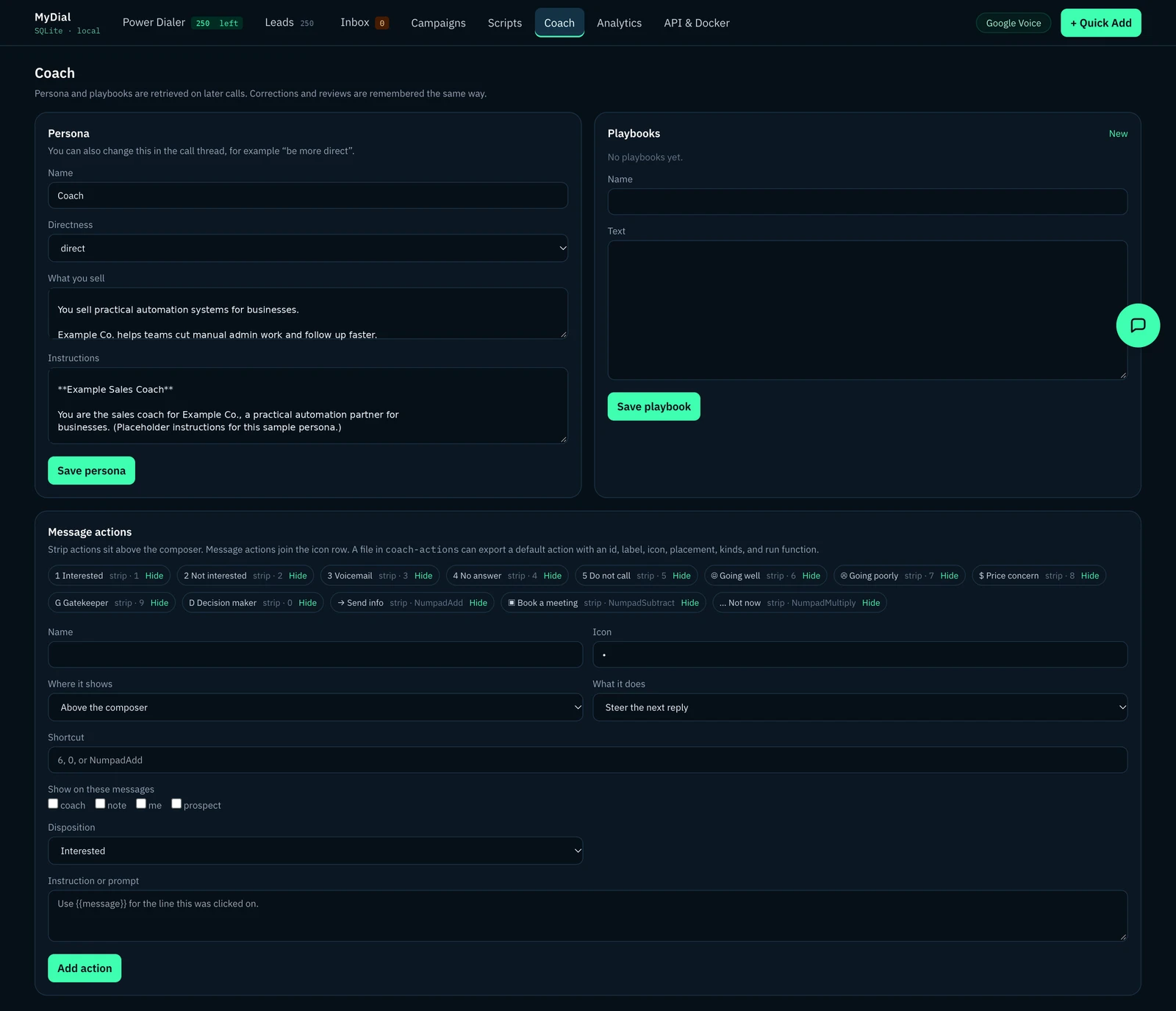
The coach fixes the prep and feedback gap. It sits in a chat panel next to each lead. Before you dial, you can ask it how to open, what to watch for, or how to handle an objection. It works from the lead's details, the campaign script, the saved objection answers and past calls with that lead.
It can also look things up in the CRM, check the inbox or past calls, add a line to the lead's notepad, or save something to remember for later. When you log the outcome, it writes a post-call review: what went well and what to change next time.
Its instructions say not to invent scores, win rates or facts that aren't in front of it. And it never talks on the call. It writes to you.
What happens when the coach gets it wrong?#
You mark the suggestion and say why. myDial saves that correction with the context of the call. On later calls, the coach pulls in the playbooks, reviews and corrections that fit the lead and the situation.
What is it built on?#
myDial is a Node.js app on Express with SQLite, packaged to run in Docker. By default the coach uses local models through Ollama, so your data can stay on hardware you control. It can also be switched to leading AI models like OpenAI and Claude. A REST API and webhooks let it plug into the tools you already use.
Results#
Results: coming soon.
Frequently asked questions#
Does the AI coach talk to the prospect?#
No. The coach only works with you, in its own chat panel. The person on the phone is always the one talking.
Does the coach get better over time?#
It learns from feedback. Corrections you make are saved and pulled back in on later calls, along with past reviews and playbooks.
Can it work with the tools my team already uses?#
It has a REST API and webhooks for events like a lead being dialed or an email being sent, so it can connect to the tools you already use.
Is myDial finished?#
No. It's an early build I'm actively working on. If your team makes calls and you want something like this built around how you sell, get in touch.